Anti-Bot Detection Bypass Using Managed Scraping APIs
Managed APIs exist because beating billion-dollar defenses alone became technically impossible.

How the anti-bot detection stack works, layer by layer
The web scraping market crossed $1 billion in market size in 2026, growing 14% a year. That kind of money buys serious defenses, and the defenses have outgrown what a solo developer can beat with homemade tricks. Managed scraping APIs exist because that gap between what one person can maintain and what a $1 billion industry can throw at them got too wide to close by hand.
Rewind to 2021 and the game was almost embarrassingly easy. Rotate a few IPs, slap on a realistic User-Agent string, and most sites let you through. By 2026, that same combination gets caught within seconds by any protection layer worth the name.
Part of it is sheer volume. Imperva's Bad Bot Report found automated traffic made up more than 53% of all web traffic in 2025, up from 51% the year before. Because more than half the traffic hitting a server isn't human, treating unknown automation as guilty until proven innocent is now standard practice, not paranoia. Three forces are converging in 2026: AI-native extraction tools, tougher anti-bot systems, and mounting compliance pressure. Scraping has stopped being a hacky workaround and turned into an operational discipline with real budgets behind it, and protection vendors now update faster than most in-house scraper teams can track. That speed gap is the whole reason managed infrastructure exists now.
Detection splits into two phases: one before your code ever sees the page, one after. Before the HTML loads, the server is already reading the TLS handshake, checking IP reputation scores, and inspecting the order your HTTP headers arrived in. After the page loads, JavaScript running in the browser checks canvas rendering output, hardware sensor readings, and how a real person tends to move a mouse.
Start with the network layer. Datacenter IPs are cheap to buy and just as cheap to flag, since they cluster in known ranges. Residential IPs look like somebody's actual home connection: they cost more and get blocked less often as a result. Sites don't stop at banning single addresses, either. They flag whole ASN ranges at once. A 403 is usually the network layer saying no outright; olostep.com notes a 429 means you hit a rate limit instead.
TLS fingerprinting sits one level deeper. Every TLS handshake generates a JA3 or JA4 hash based on the cipher suites offered, the extensions listed, and the order they appear in. Standard HTTP libraries in Python produce a signature no real Chrome or Firefox browser would ever produce, and HTTP/2 frame ordering adds a second fingerprint on top of that. A request that loads fine when you paste the URL into your own browser can return a flat 403 the moment your script sends it, because the browser and the script are lying about being the same thing, and the server can tell.
Browser fingerprinting goes further still. Canvas rendering, WebGL output, and audio processing all vary slightly by device, and that variation is entropy a detection system can measure. Automation frameworks tend to leave navigator.webdriver set to true by default, a leak that's been public knowledge for years and still trips people up. Headless browsers can also expose Chrome DevTools Protocol activity that a normal session never generates. Consistency matters just as much as any single signal: if the canvas fingerprint says Windows but the headers say Mac, trust drops immediately.
Then there's behavior. Vendors like Kasada and DataDome run JavaScript collection scripts that quietly gather interaction telemetry for the whole session: mouse movement coordinates, scroll acceleration, the timing gaps between clicks, keystroke sequences. All of it feeds a classifier. Real humans move in messy, inconsistent ways, while scripts move in straight lines or not at all, and that gap alone is a strong signal. Behavioral checks get especially aggressive on login pages, checkout flows, and account signup forms, the exact spots where fraud does the most damage.
No single one of these checks usually triggers a block by itself. Olostep.com describes it as a trust score: weak signals from several layers stack up until the combined total crosses a threshold and triggers a challenge or a block. Scrapfly.io calls consistency the real constraint, since every layer gets judged against every other layer. Pairing a Chrome User-Agent string with a Python TLS fingerprint causes every one of the eight major anti-bot vendors to flag the mismatch instantly. That mismatch, not any single weak signal, is what actually gets you caught.
The eight anti-bot vendors developers encounter, and what makes each hard
Figure out which vendor you're up against before writing a single line of bypass code. Scrapfly.io states that a technique that gets past Cloudflare does nothing against Kasada. They're built differently on purpose, and treating them as one generic "anti-bot problem" is the single biggest way to waste engineering time on this.
Cloudflare is the easiest to spot, showing a CF-RAY header, cookies named cf_clearance and __cf_bm, a recognizable script tag in the page source, and a familiar branded interstitial with a Ray ID printed on it.
DataDome shows up with distinctly prefixed headers on a 403 response, cookies called datadome and _dd_s, a script signature in tags.js, and a CAPTCHA page that names it right on the page. Akamai leaves an akamai-grn reference number on its block pages, uses an _abck cookie that encodes behavior telemetry, and loads akamai-bm-telemetry scripts in the background.
Kasada is the odd one out, and by a wide margin the hardest of the eight. There's no branded interstitial at all, just a bare 429 or 403 with almost nothing in the response body. Instead, x-kpsdk-prefixed headers on the challenge response, a KP_UIDz cookie, and a script signature in ips.js or p.js give it away. PerimeterX, now operating under the HUMAN Security brand, uses _px3, _pxvid, and _pxhd cookies alongside a px.js script, and layers multiple trust-scoring methods together more aggressively than most.
Incapsula, owned by Imperva, sets incap_ses_, visid_incap_, and reese84 cookies and runs its own branded JS challenge page. AWS WAF drops an aws-waf-token cookie and calls a /challenge.js telemetry endpoint behind an AWS-branded CAPTCHA. F5, through its Shape product, uses cookies prefixed with TS and its own JS, landing on a plain, generic "Access Denied" page that gives away almost nothing.
Iwebscraping.com reports that Akamai and Kasada regenerate their JavaScript detection logic on every single page load, which puts them in a league apart from the other six. That kills static reverse engineering outright, because the code studied yesterday isn't the code running today. Kasada goes further still, actively interrogating the execution environment instead of just reading fingerprints passively. That's why scrapfly.io calls DIY bypass against Kasada a non-starter in production, full stop, not a matter of trying harder. Coverage also varies by vendor: Cloudflare and DataDome address a broad range of detection layers, while Kasada leans hard into TLS fingerprinting and proof-of-work challenges specifically.
Master Cloudflare's quirks this month, and Kasada is still a completely different puzzle next month, on a completely different site. Anyone going it alone runs into a structural problem here: there is no finish line, only a rotating set of targets that keep changing the rules underneath them.
What DIY bypass costs when you run the numbers
What does doing this yourself actually take, hour by hour? Keeping a fingerprint coherent across TLS, HTTP/2, browser behavior, and interaction telemetry all at once is the baseline. Add proxy rotation on top, challenge-solving on top of that, then a rewrite every time a vendor pushes an update, and that's before a single line of actual product logic gets written.
Speed suffers too. Rendering a page through a real or fortified browser takes 2 to 5 seconds, and parsing adds more on top of that. Unbrowse.ai reports that a simple "what's the price of this product" query can take 5 to 10 seconds through scraping, when hitting the underlying API directly would take roughly 200 milliseconds. That gap doesn't close on its own, and no amount of clever engineering shrinks it much, because most of that time is the browser sitting there waiting on network and render cycles.
The dollar figure is where it gets uncomfortable. Unbrowse.ai puts the total cost, counting compute, LLM tokens, and proxy infrastructure together, at around $0.53 per browser automation action. Running an agent fleet at 10,000 requests a day at that rate puts the daily bill near $5,300, which works out to roughly $160,000 a month. That number still leaves out the engineer hours spent adapting to each vendor's changes, chasing down failed requests, and rebuilding pipelines after an update breaks everything overnight.
Going after a single vendor at small scale, DIY can work fine, and there's no reason to overbuild for a problem you don't have yet. But once you're at production scale, residential proxy costs alone often exceed what a managed scraping API would have charged, before engineering time even enters the math. Call it the scraper tax: undifferentiated infrastructure spending, paid in full, that raises costs before any actual product value gets delivered. Anyone still betting on DIY at that scale is paying twice: once in proxy bills, and once in engineer hours spent chasing a moving target. It's the math making the decision for you.
What managed scraping APIs do behind a single request
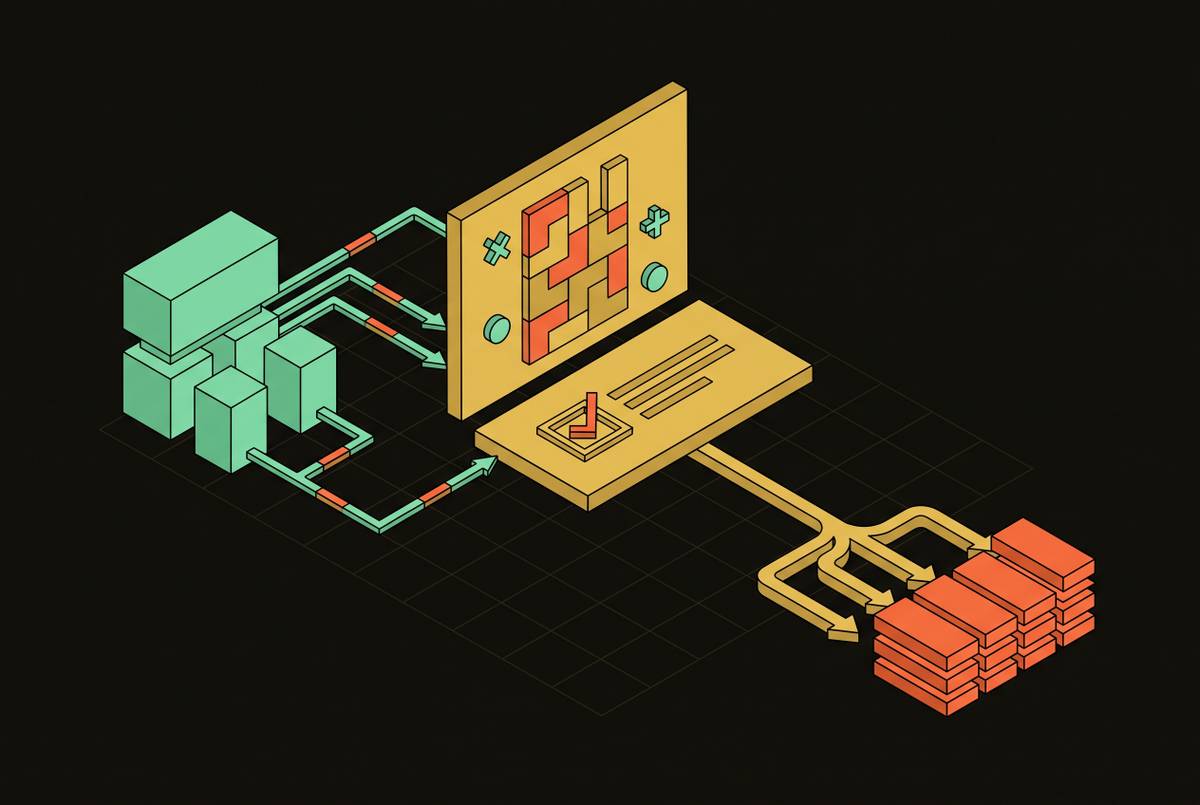
A managed scraping API takes the entire anti-bot stack and hides it behind one call: send a URL, get clean data back, as olostep.com puts it. Everything that used to be a dozen separate engineering problems becomes somebody else's maintained infrastructure.
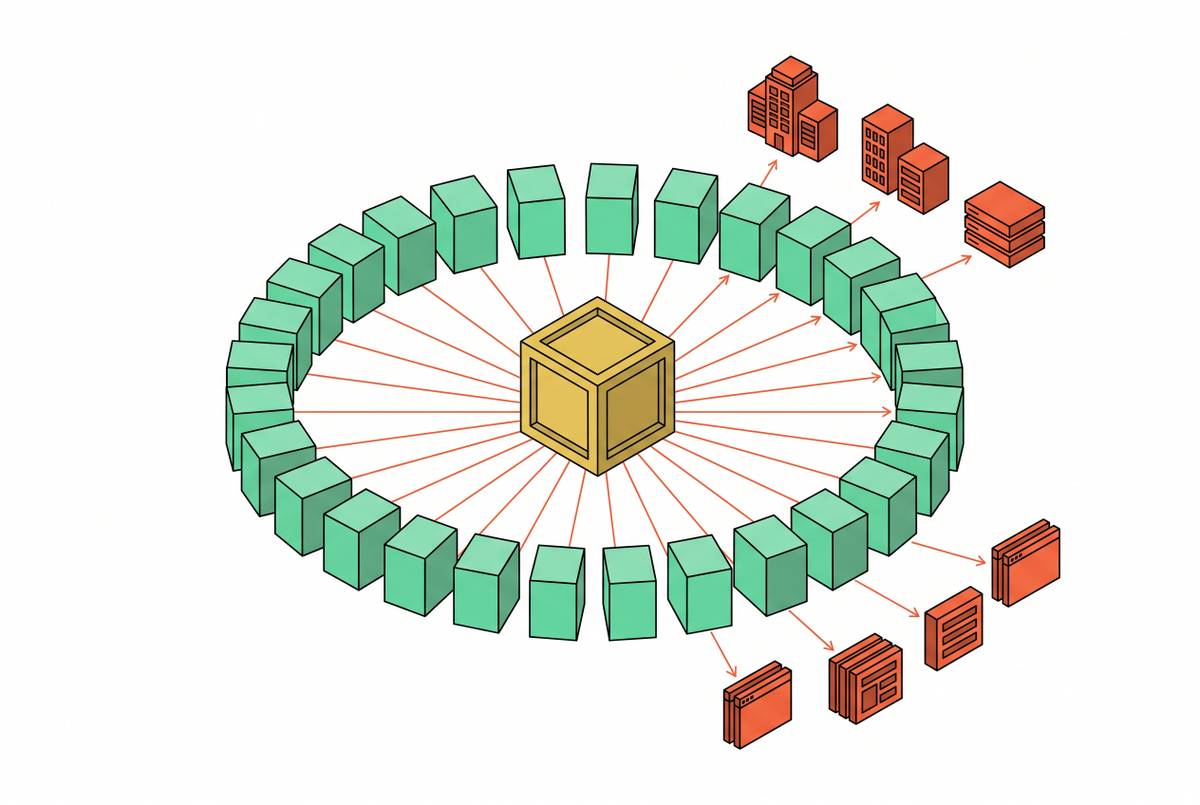
Behind that single request, the provider coordinates a coherent fingerprint across TLS, HTTP/2, browser runtime behavior, and behavioral signals all at once. It rotates proxies pulled from residential pools spread across many countries, renders JavaScript, retries failed attempts automatically, and hands back structured output or clean Markdown instead of raw HTML soup.
Vendor detection stops being manual work too. Scrapfly.io's asp=true parameter identifies which protection system is in play just from the response pattern, then builds the right fingerprint automatically, no guesswork required from the developer. Zyte.com frames this as a broader shift in how developers spend their time: less of it managing infrastructure pieces, more of it managing the data that comes out the other end.
Open-source stealth tools haven't gone away, and looking at them side by side shows the tradeoff clearly. Camoufox is a local anti-detect Firefox browser (MPL-2.0, at PyPI version 0.5.4 as of mid-2026). curl-cffi (MIT license) mimics browser TLS fingerprints at the request level. nodriver runs under AGPL-3.0. SeleniumBase and playwright-stealth both carry MIT licenses and see active updates. puppeteer-extra-plugin-stealth carries an open-source license too, but scrapfly.io reports its npm package and default branch both stopped seeing updates back in March 2023, which matters a lot when the vendors it's supposed to fool keep changing their detection logic every few months. cloudscraper, also MIT, shows a similar gap, with its main pip package last touched in April 2023. FlareSolverr rounds out the list under MIT as well.
These tools hand you real control, and for some jobs that control is worth having. They also hand you every proxy to buy, every browser update to track, every bit of session state to manage, and every new failure mode to diagnose, indefinitely.
Scrapfly.io lays out a sensible escalation ladder: start with honest headers and decent proxies, move up to a fortified browser setup for targets leaning heavily on client-side scripting, and only reach for a managed API once facing hard targets at real scale. Match the tool to whichever layer is actually stopping you, not to whichever tool sounds most impressive.
Anyone building pipelines around a model at the center should keep one thing straight: AI removes the need to hand-write CSS selectors. It does nothing to remove the need to get past anti-bot defenses first. Something still has to physically load the HTML before any model gets a chance to read it, and no amount of prompt engineering fixes a 403.
How managed APIs serve AI agent pipelines differently from traditional scrapers
Traditional scraping pipelines were built around deterministic, tabular extraction: pull field X from column Y, every time, the same way, forever. Agentic workflows and RAG pipelines break that assumption entirely, because the model is trying to reason over whatever text shows up on the page rather than hunting for a fixed field.
That's a real problem, because raw HTML is genuinely hostile to a language model. Embedded SVGs, tracking scripts, and deeply nested div structures burn through tokens for zero informational gain. Beyond the wasted tokens, all that clutter slows inference down and can degrade reasoning quality outright, flooding the model's attention with noise it has to filter before it reaches anything useful.
Converting raw content to Markdown fixes a lot of this. Searchcans.com puts the token reduction at up to 70% once a page gets stripped down and reformatted properly. Serppost.com's estimate runs more conservative but still substantial: aggressive removal of boilerplate, paired with consistent Markdown conversion, cuts input token usage by 30 to 50% compared to feeding a model raw HTML.
None of that parsing sophistication matters in production if the fetch fails first. In practice, the tool that reliably loads the page and hands back consistent, LLM-ready text wins the job, with parsing accuracy a distant second concern. Open-source agent frameworks still run into this wall constantly. Browser Use, one of the most-starred open-source browser-agent projects on GitHub with roughly 98,000 stars as of June 2026 (MIT license, version 0.13.1 shipped that same month per scrapfly.io), still needs a fetch layer that gets past anti-bot defenses before the agent can act on anything.
The fetch layer and the reasoning layer are separate problems, full stop. Solving the second one does nothing for the first, and treating them as one problem is how agent pipelines fall over in production, usually right around the point someone assumed a smarter model would somehow fix a blocked request.
A factual comparison of the main managed scraping APIs available in 2026
Judge any managed scraping API against five things: how many anti-bot vendors it actually covers, what output format it hands back for AI pipelines, whether it supports structured data extraction, how transparent its pricing is, and how much maintenance burden it actually takes off your plate versus leaves sitting on it.
Scrapfly's Web Scraping API is a useful reference point here. Scrapfly.io reports that its asp=true parameter triggers automatic vendor detection, builds a coherent fingerprint across TLS, HTTP/2, HTTP/3, browser runtime, and behavioral signals, solves challenges server-side, and replays requests that fail. Documentation from scrapfly.io lists coverage across 20 or more anti-bot vendors, with a proxy pool spanning 190 or more countries. Scrapfly.io reports success rates of 94% against Kasada and 98% against Cloudflare, numbers that line up with just how differently those two vendors are built: Cloudflare spreads its defenses thin, Kasada concentrates them, and the success rates track that split almost exactly.
Failed requests generally don't consume credits under what Scrapfly calls Scrape Failed Protection, meaning payment only happens on a successful scrape. Scrapfly.io reports that if more than 30% of requests fail within a single hour, that protection switches off and failed requests start getting billed. It's a fair-use safeguard, not a blank check, and it exists precisely because a vendor like Kasada can make failure the default state for hours at a stretch.
On the developer side, scrapfly.io reports that Scrapfly ships SDKs for Python, TypeScript, Go, and Rust, plus a Scrapy integration and a command-line tool. Beyond the core API, it also offers Scrapfly Unblocker, a managed proxy-style endpoint built for teams that already have their own HTTP scraping code and just need the network layer handled, and Scrapfly Cloud Browser, a managed remote browser reachable over CDP that includes session resume and WebM replay for debugging. A failed scrape can actually be watched back frame by frame, instead of guessed at from a stack trace.